
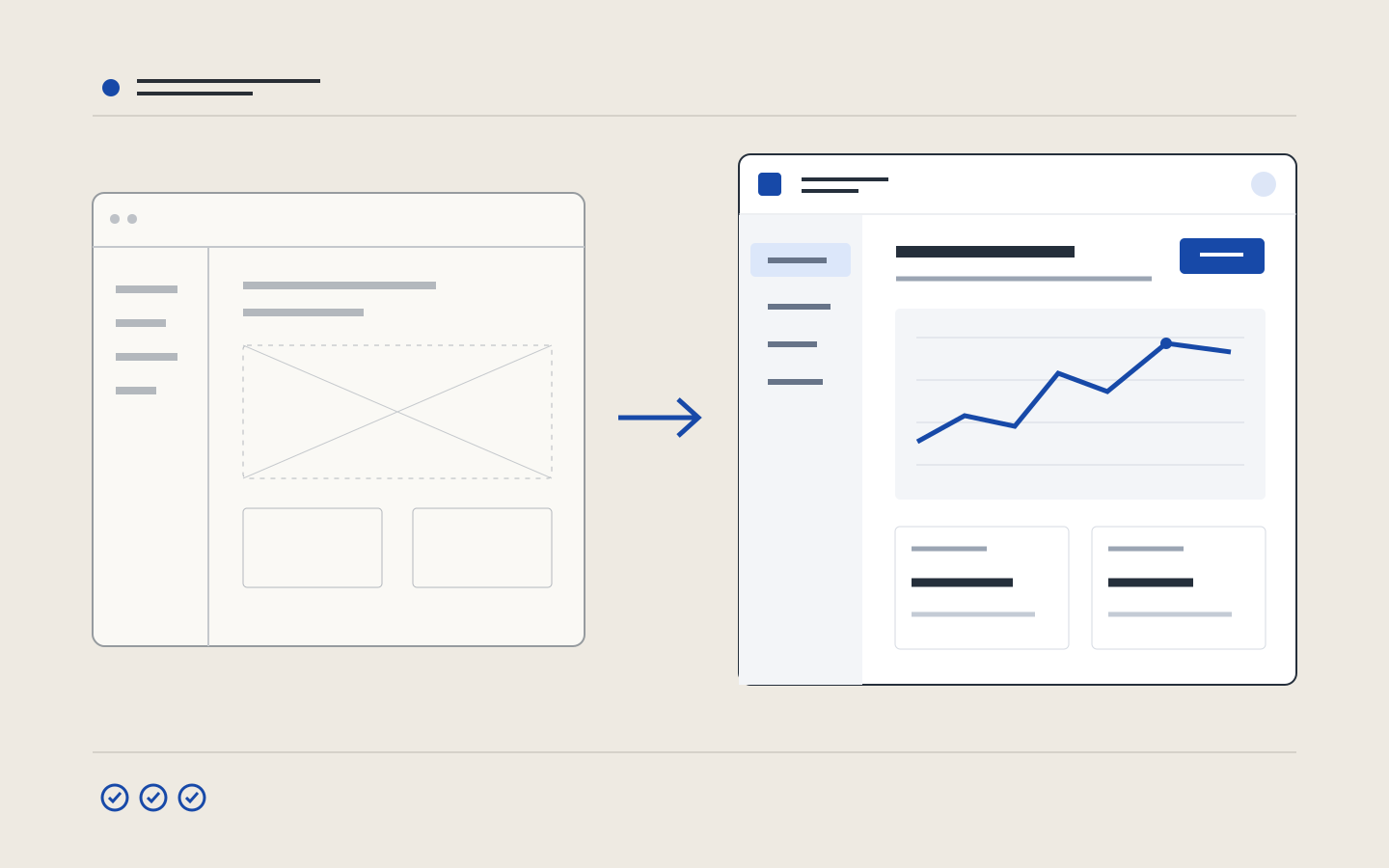
In development discussions, “vibe coding” commonly describes producing and modifying code by giving an AI natural-language instructions. It can help explore an interface idea, but a screen that works in a demonstration does not validate a product.
Prepare the brief
Describe the user, main task and constraints. Supply real content, a hierarchy and annotated visual references. Explain what to borrow from each reference: rhythm, grid, typography or image treatment. A prompt such as “modern and premium” leaves too many decisions undefined.
Use the prototype to ask questions
Figma Make describes a workflow based on prompts, design context and editable prototypes. A prototype can support discussion of the user journey and comparison of alternatives. It does not by itself establish that user needs are met.
Work on interface details
Choose typography suited to the content, consistent spacing and a palette that supports hierarchy. Use visuals connected to the subject. Check contrast and labels. Decorative gradients, repeated cards or purposeless futuristic illustrations cannot replace these decisions.
Test difficult states
- Mobile and long text: content must remain readable.
- Keyboard: controls must be accessible and focus visible.
- Loading, empty results and errors: the journey must remain understandable.
- Data and permissions: validation must happen on the server.
Prepare for production
Review the code, test real workflows and check security, performance and accessibility. Record observed issues and fix them before expanding usage. AI can prepare a starting point; quality depends on the decisions and checks that follow.
Source: the official Figma Make product page.